Psiphon
Free VPN for PC bypassing content and gives you easy access to any censored data

Safe & Secure
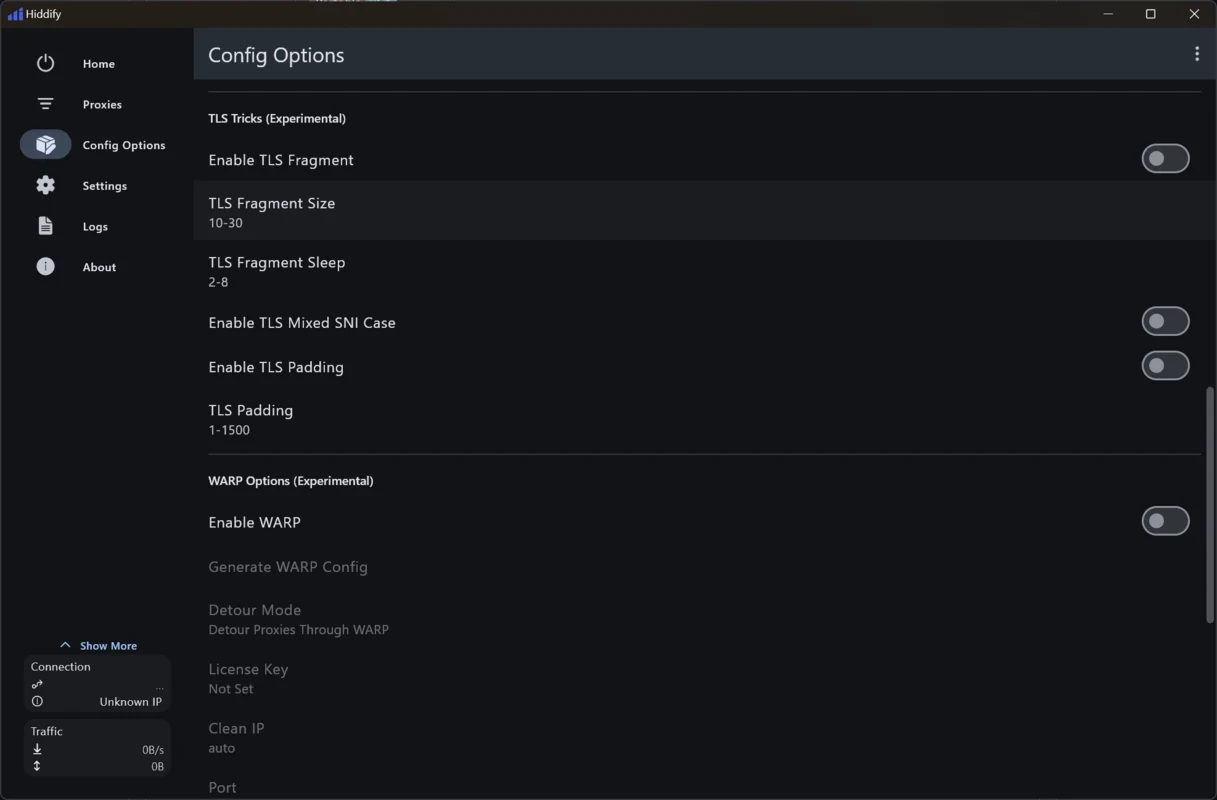
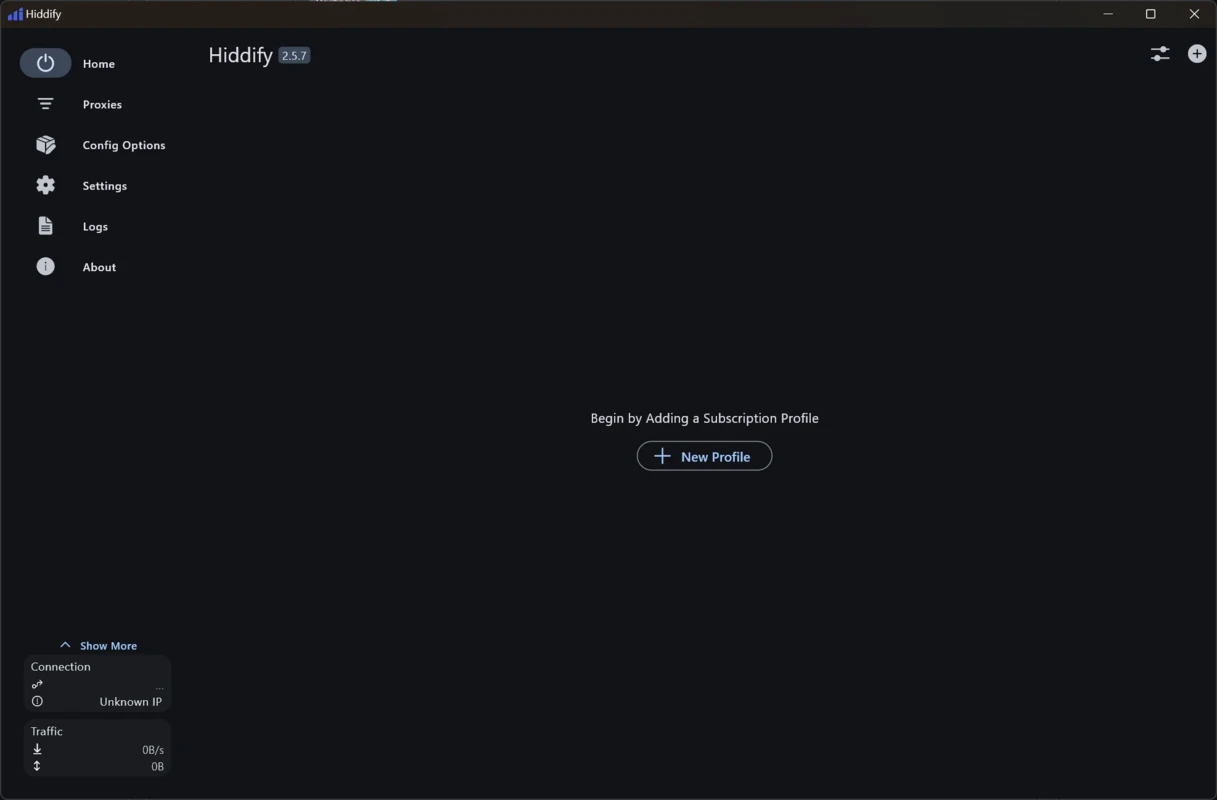
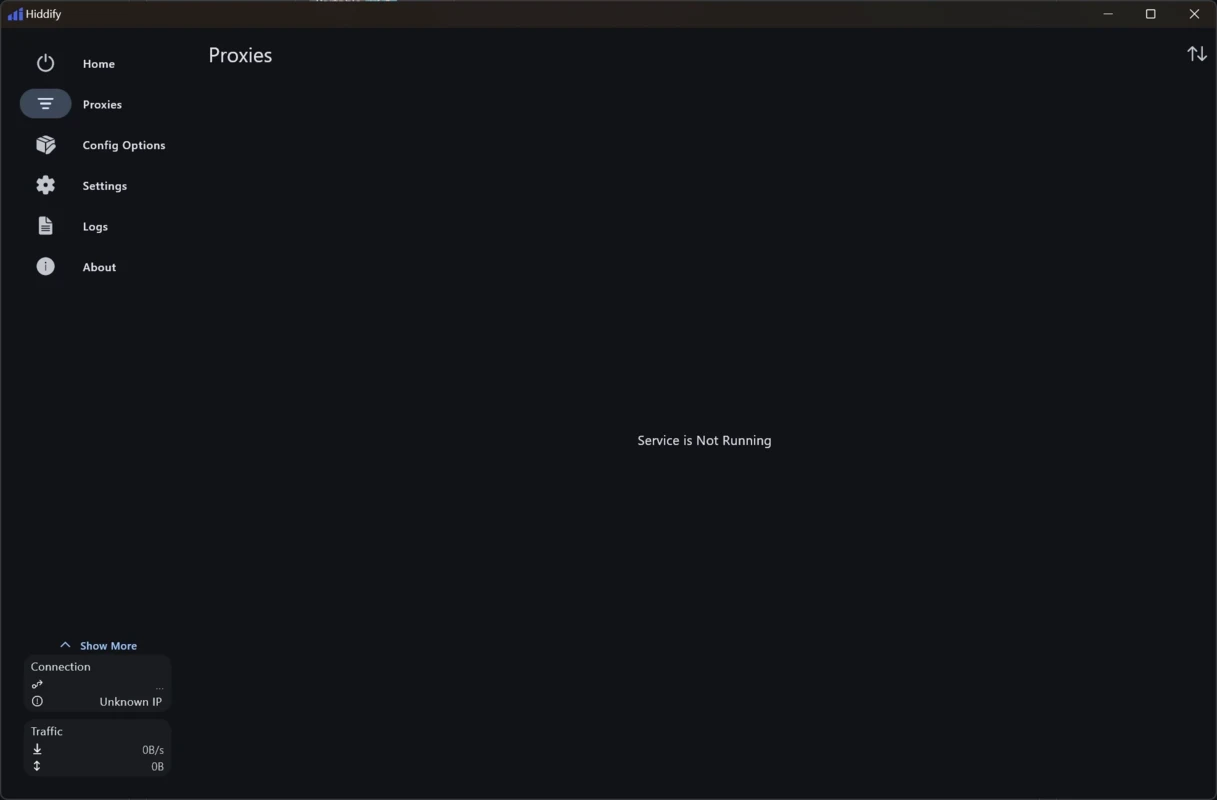
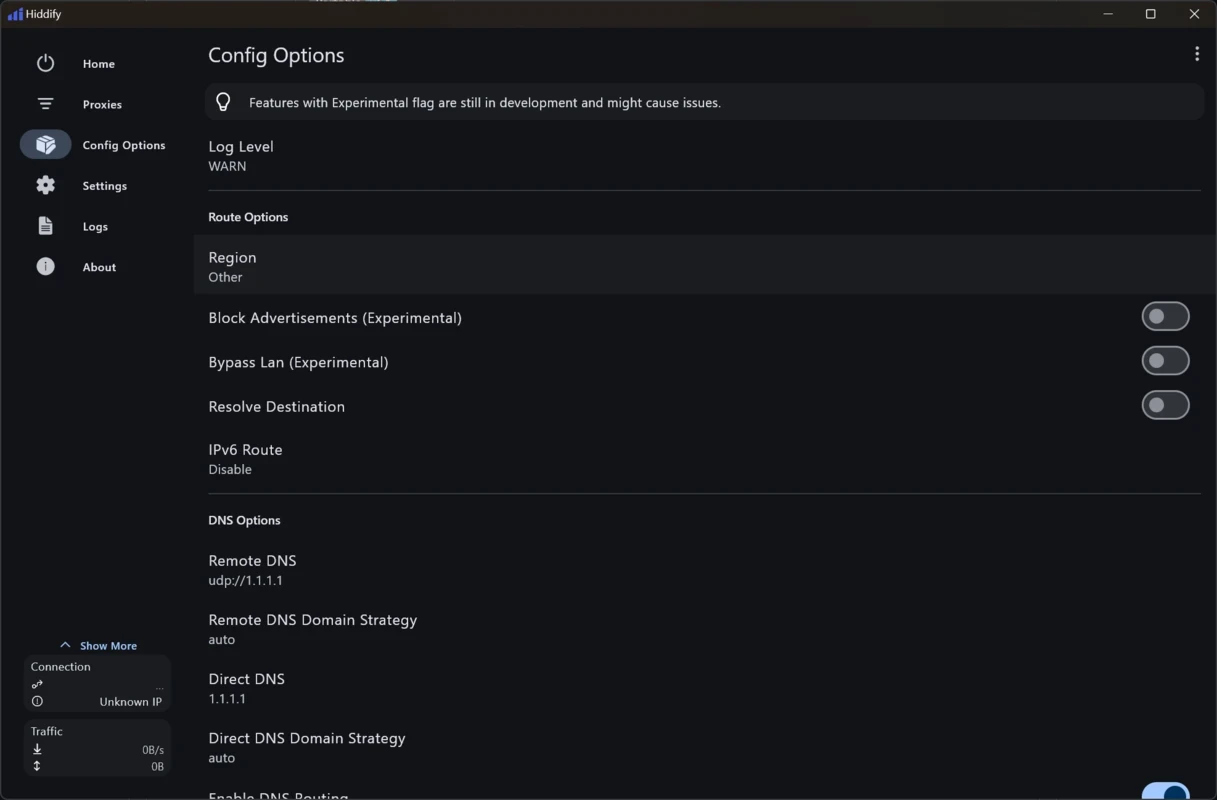
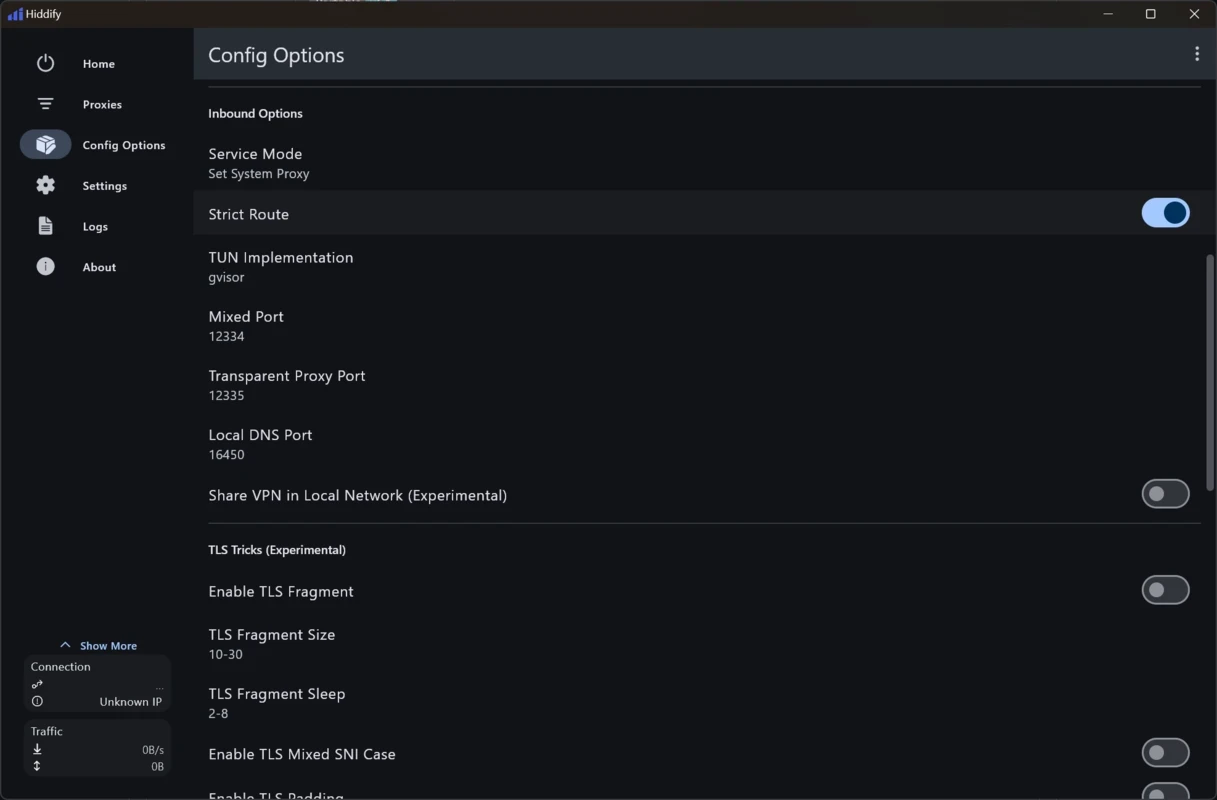
Hiddify is a unified client, specifically designed for the Windows operating system, used for connecting directly to your own servers. It enables you to route your traffic using different network protocols, including Sing-box, V2Ray, or Clash. The flexibility and transparency are the major elements to control how and where your apps connect.
The cross-platform utility offers an all-in-one experience for multiple devices such as Android, Windows, macOS, iOS, and Linux. The app offers free-of-cost services; however, you have to pay for the servers if you want to get a paid server, or simply go with a self-hosted server.
Hiddify, developed by Hiddify, which falls under the System Utilities category, is a Freeware software. It is an open-source and ad-free utility, offering subscription management, rule-based routing, proxy groups, and system proxy/TUN features.
It is the best solution for accessing restricted or monitored networks, allowing you to connect with self-hosted or trusted remote servers. It also offers a VPN service for managing all traffic or selected app traffic to a remote server.
The app offers robust support for multiple advanced protocols, enabling power users and administrators to reliably use the app, as it helps to select the most suitable protocol for server setup. So, you do not need to change the client; instead, connect through VLESS with Reality or Vision, VMess, Shadowsocks, Hysteria2, TUIC, SSH, and ShadowTLS. Moreover, you will find support for Sing box, Xray, and V2Ray toolchains.
You can maintain responsiveness by selecting the node with the lowest ping automatically. It is also possible to include and exclude selected apps while routing traffic per app. For this purpose, you have to use the Android VPNService permission, as you can easily manage the apps that require secure tunneling, and others to direct access. There is no need to edit the entire setup; simply make the necessary changes.
The availability of robust encryption makes your files and folders fool-proof, and you can safeguard your sensitive data from prying access, avoiding unauthorized access. The app with open-source and ad-free capability offers clear consent on first run, enabling analytics or crash reporting. You can use TLS-based stacks for improving transport security. However, it is only supported on this device, and also configure your server correctly. You can also use the activity to view data and usage information offered by the app, allowing you to make better decisions.
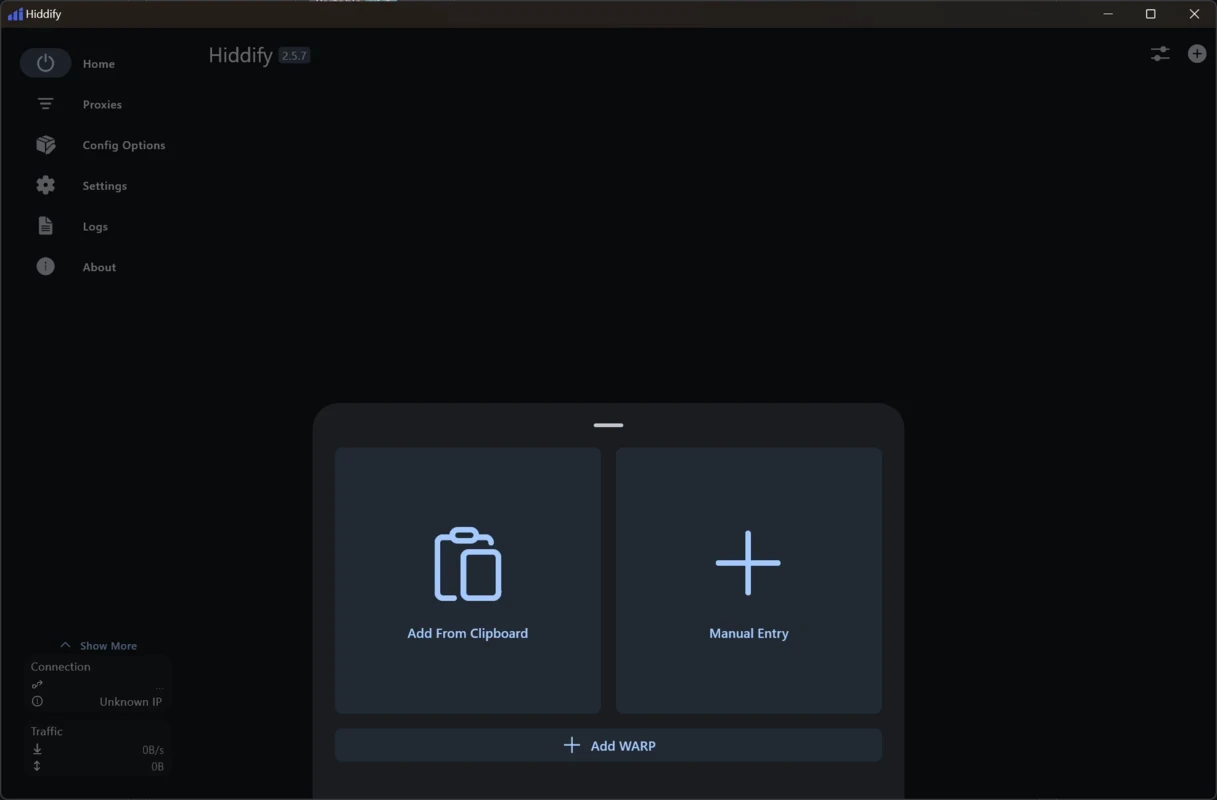
As we aforementioned, the app doesn’t offer server facilities, so the users have to bring their own self-hosted setup or simply access to a trusted server provider. For this purpose, the app offers HiddifyManager for the deployment of nodes and the generation of subscription links. So, you can quickly import a client. Free Testing Proxy WARP Config is available for new users to confirm connectivity using a deep link before moving to their own source. You can maintain your traffic by replacing any trial link with your personal or provider subscription.
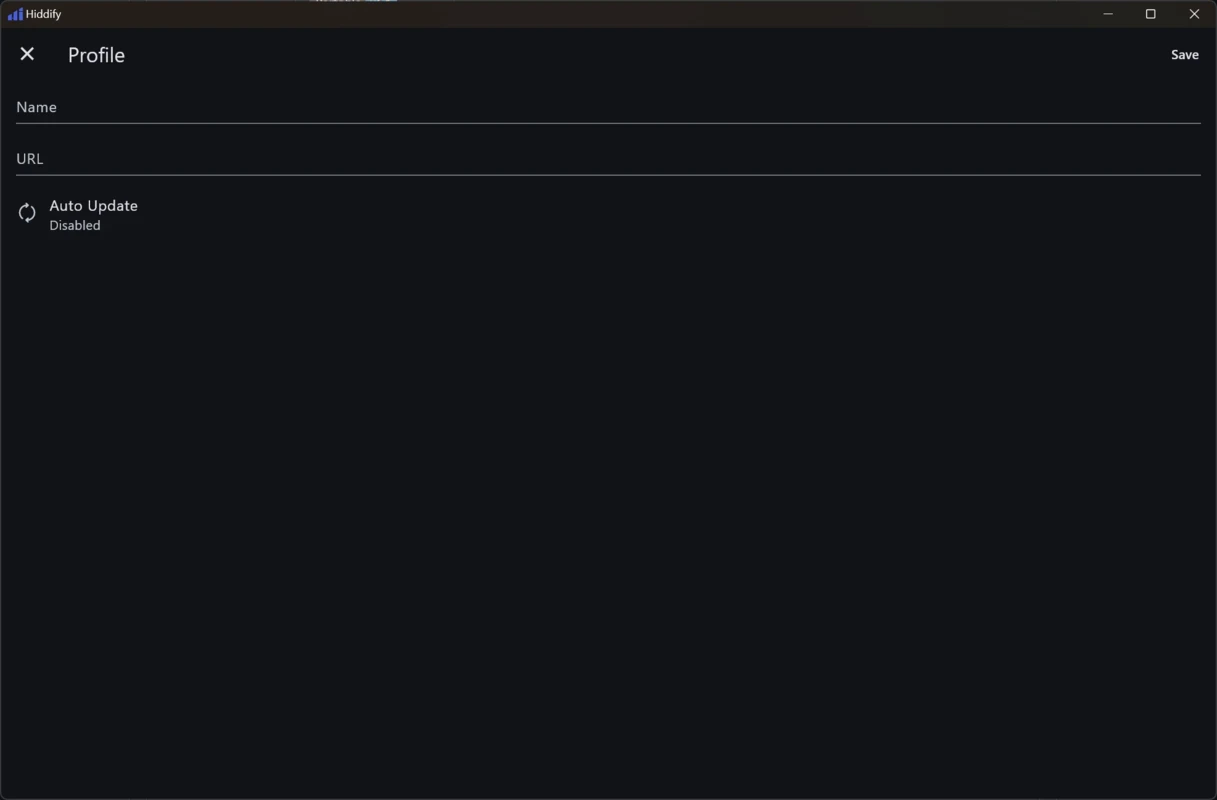
You will find multiple innovative methods for incorporating servers, such as pasting subscription URLs that need to be compatible with Sing-box, V2Ray, or Clash, scanning QR codes, or simply opening app-friendly links that are available in the profile list automatically. After loading the subscription, the available nodes are downloaded and organized by the app. It also displays all information, including latency, name, and region. Here, the manual and automatic selection of the server is possible.
The app offers awesome compatibility with multiple VPN panels and Hiddify Manager, offering a simple and fast process of deploying, subscribing, and maintaining access. The flexibility of accepting multiple subscription link formats is available only for IPv6-supported devices. The app extends its functionality across mobile and desktop, enabling users to keep a consistent workflow.
The app is also embedded with various modes to offer services in different scenarios, such as
The app asks for various types of permissions to maintain functionality, such as;
Pros
Cons

Free VPN for PC bypassing content and gives you easy access to any censored data

Turbo VPN for PC, a secure and fast way for anonymous browsing

Clash for Windows, bypass geo-restrictions content

Proxifier provides proxy servers for network applications that lack built-in proxy servers

1111 Warp VPN Free Download for PC offers the fastest and safest internet connection while using the fastest DNS resolver.

V2rayN, an open-source GUI, manages V2ray server and proxy connections for free